Экспорт и импорт профилей
Settings > Profile > Export profile as a code generates a short-lived share string. Friends use Import > From code to pull the same mods and configs. Codes expire after about one hour; use file export for longer sharing.
Перейти к основному содержимому
R2MODMAN FEATURES
Explore the core tools that make R2ModMan a fast, safe, and profile-based mod manager for Thunderstore games.
Separate mod lists for each game and setup.
Browse, download, and update mods in-app.
Edit mod settings without digging through folders.
Safe installation
Моды устанавливаются в каталоги управляемых профилей, связанные с вашей игрой через BepInEx. Ваши оригинальные файлы игры останутся нетронутыми. Запустите модификацию для полных пакетов или используйте стандартный запуск при устранении неполадок. Steam, Epic и другие программы запуска продолжают поддерживаться в зависимости от игры.
Выберите свой титул один раз за сеанс из игровой сетки. Поддерживаемые записи включают Risk of Rain 2, Valheim, Dyson Sphere Program, GTFO, BONEWORKS, Lethal Company и расширяемые заголовки Thunderstore.
First-time install guide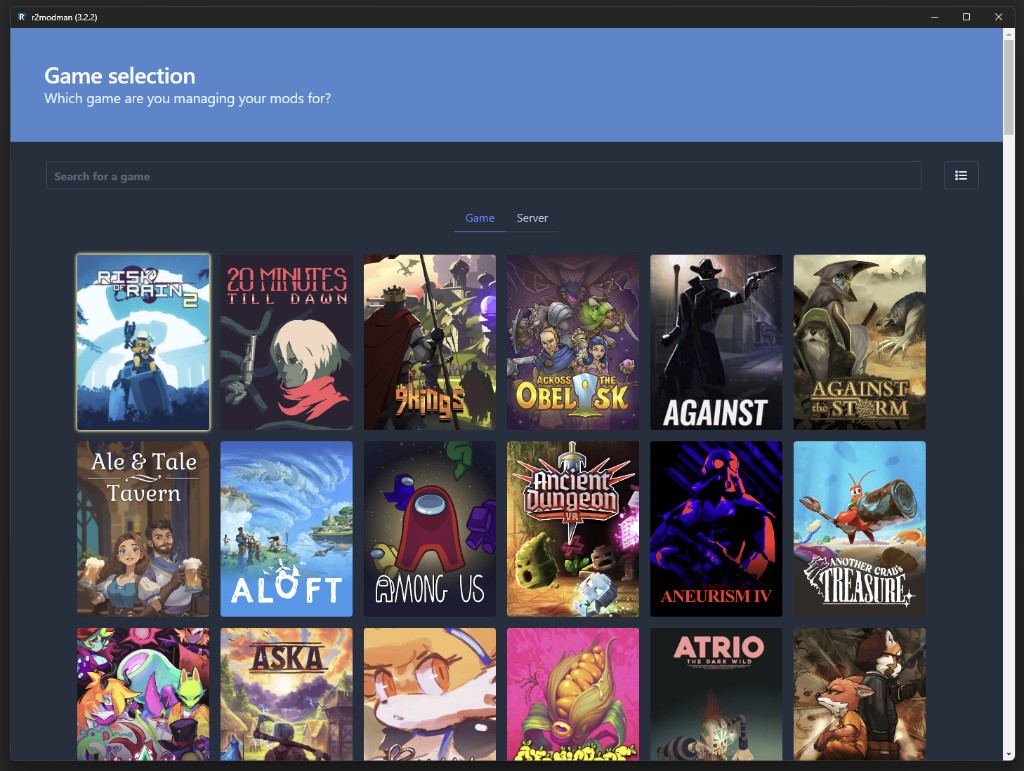
Profile management
Profiles are independent mod lists tied to one game. Create a profile for casual co-op, another for modded runs, and switch without reinstalling. Change profile from Settings > Profile > Change profile at any time.
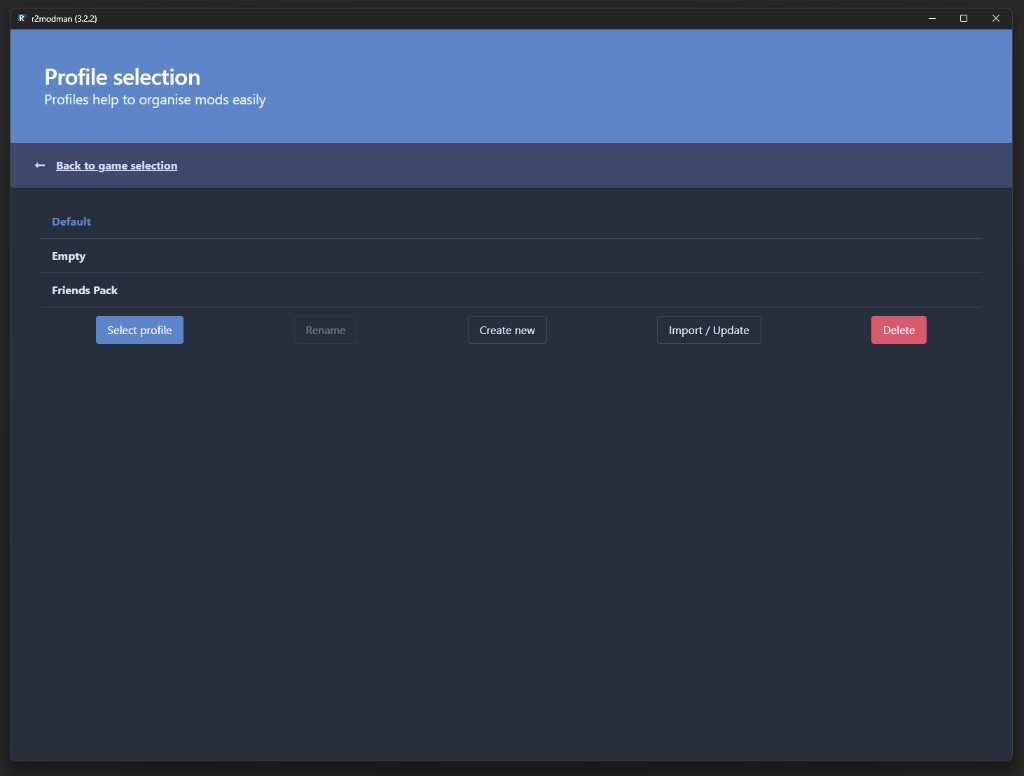
Mod discovery
Просмотрите полный каталог Thunderstore в менеджере. Выполняйте поиск по имени, просматривайте описания и устанавливайте с помощью функции «Загрузить с зависимостями», чтобы необходимые библиотеки устанавливались вместе.
Устаревшие моды показывают значок облака на вкладке «Установлено». Обновите индивидуально для контроля или используйте «Обновить все моды из настроек», если вы доверяете полному набору.
Как обновить моды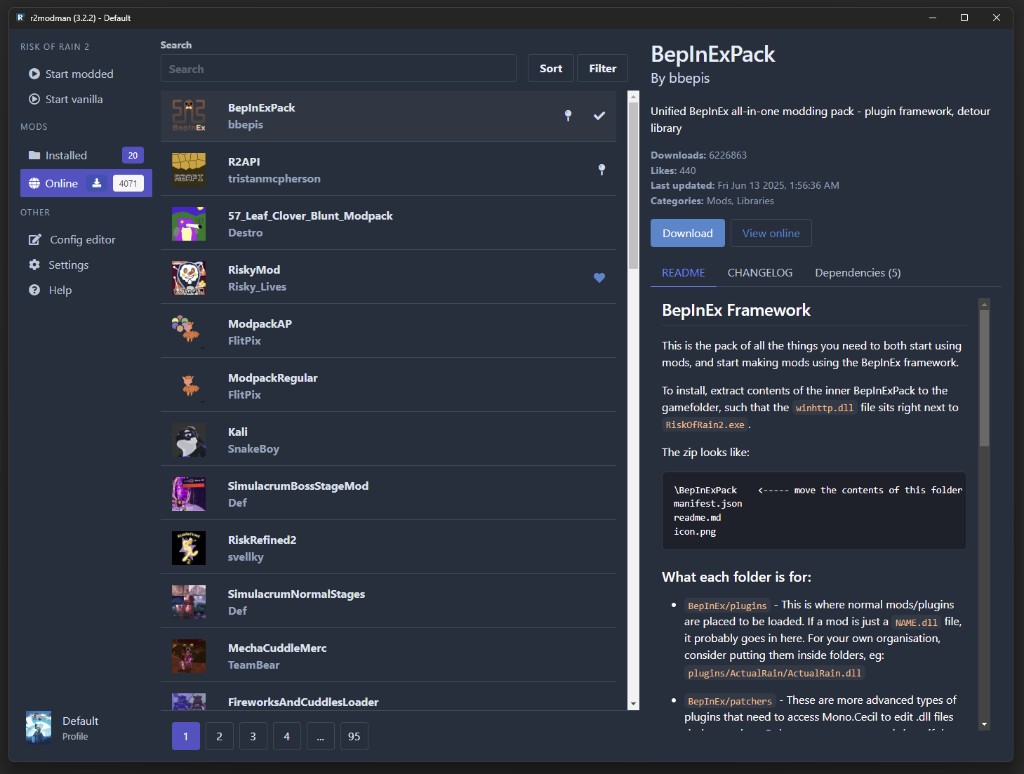
Installed mods
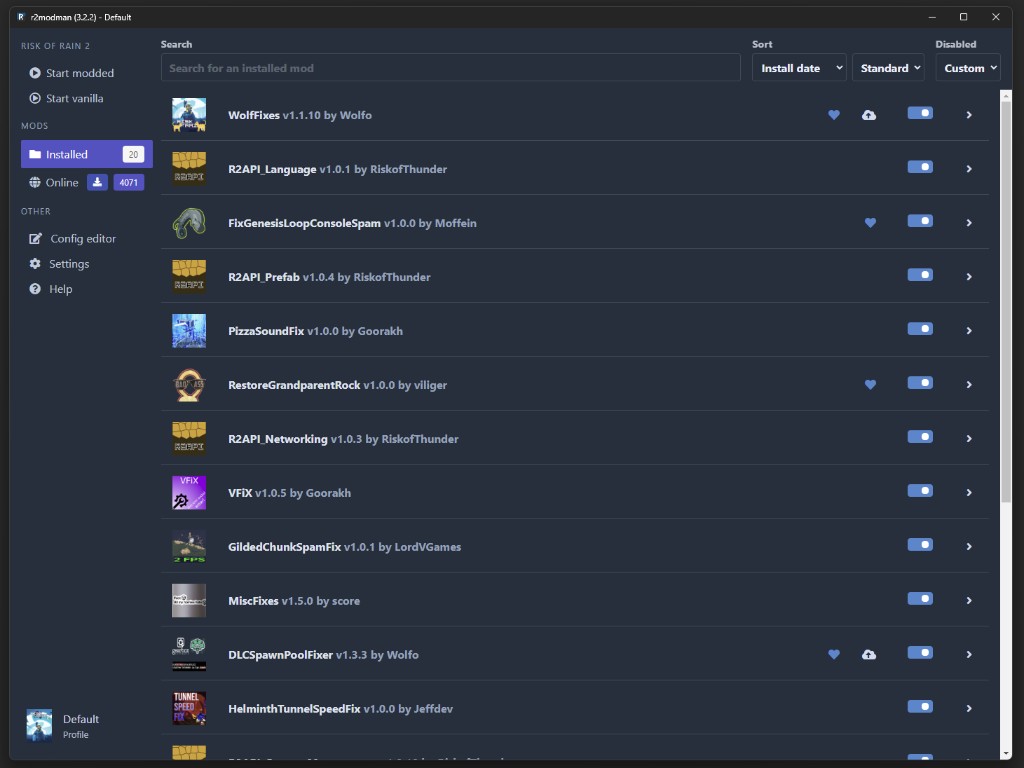
В представлении «Установлено» перечислены все моды в активном профиле с информацией о версии, переключателями включения и быстрыми действиями. Разверните карточку, чтобы прочитать подробную информацию, обновить или удалить ее, не копаясь в папках BepInEx.
R2ModMan выявляет устаревшие пакеты и пробелы в зависимостях перед запуском. Соедините это с обновлением одного мода за раз, когда отладка завершается сбоем после патчей игры.
Configuration
Редактируйте файлы конфигурации мода прямо в менеджере, вместо того, чтобы открывать Notepad. В последних версиях улучшена производительность множественного выбора и загрузки больших наборов конфигурации.
You can also open the profile folder via Settings > Locations > Browse profile folder and edit files under BepInEx/config manually when needed.
Руководство по редактированию конфига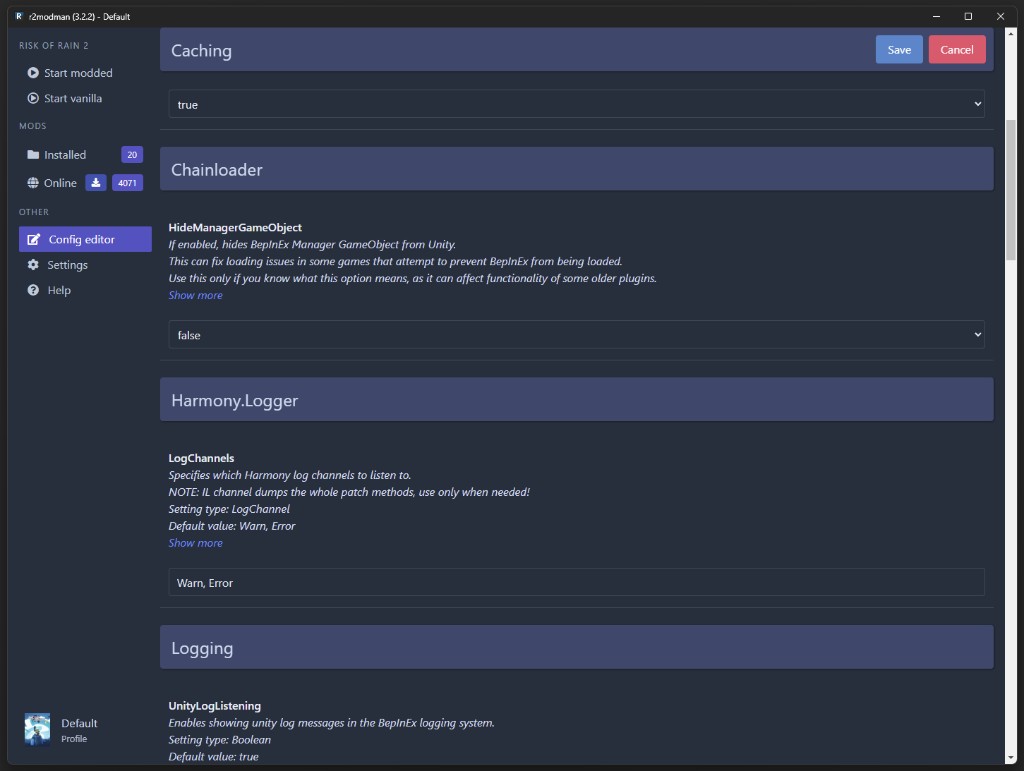
Launch controls
Open the profile you want, then click Start modded in the sidebar to launch with all enabled mods active. Use Start vanilla when troubleshooting without mods.
For Steam on Linux, copy the launch command from the Help tab into Steam Launch Options if mods fail to load under Proton.
Launch guide
Settings > Profile > Export profile as a code generates a short-lived share string. Friends use Import > From code to pull the same mods and configs. Codes expire after about one hour; use file export for longer sharing.
R2ModMan проверяет наличие обновлений менеджера во время работы и применяет их после закрытия приложения. Обновления модов являются отдельными и контролируются на вкладке «Установлено» или массовом обновлении в настройках.
Multi-game support
Одно приложение охватывает игры Unity, в которых используются Thunderstore и BepInEx, а не Steam Workshop. Полная поддержка включает Risk of Rain 2, Valheim и Dyson Sphere Program. Частичная или расширяющаяся поддержка включает GTFO и новые дополнения, такие как Crawlspace и Big Ambitions в последних выпусках.